The first link you made is called a Relative Link. It tells the web browser to look for a file in a folder relevant to the current file. As long as you move BOTH files together, you can put them anywhere and the link still works. The computer does not need an internet connection to locate the file.
Now lets make an Absolute Link. This links to a specific web address. If the target file is deleted, or if no internet connection exists, the link will not work.
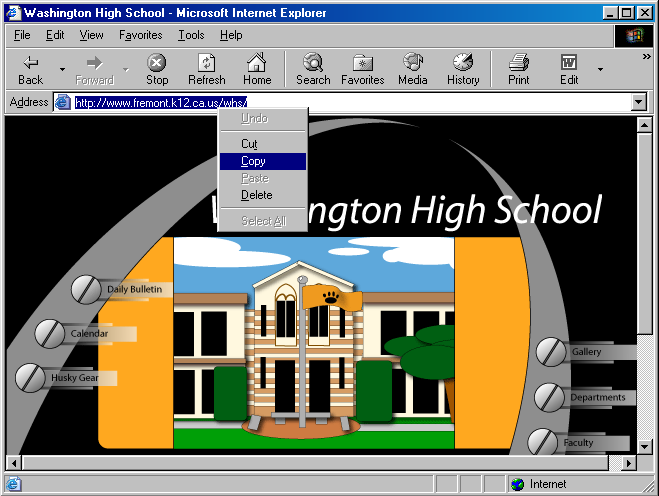
Start Internet Explorer and go to the Washington High School website (the address is http://www.fremont.k12.ca.us/whs/ ). Highlight the address, Right-Click and Copy.