Internet Research Day 2
- Page 8
Exercise Two:Google is a GREAT place to get all sorts of pictures for your PowerPoint project.
Go to Google and click on the link that says Images, and type in a search term. Let's try it:
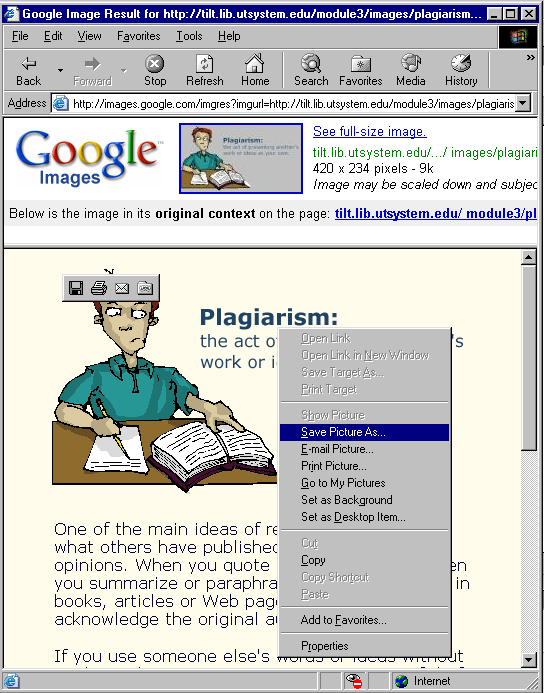
Use Google Images to find a "Plagiarism" image and Save it to your network drive! Once you find a picture you like, right-click on it and choose Save Picture As: